

Roots
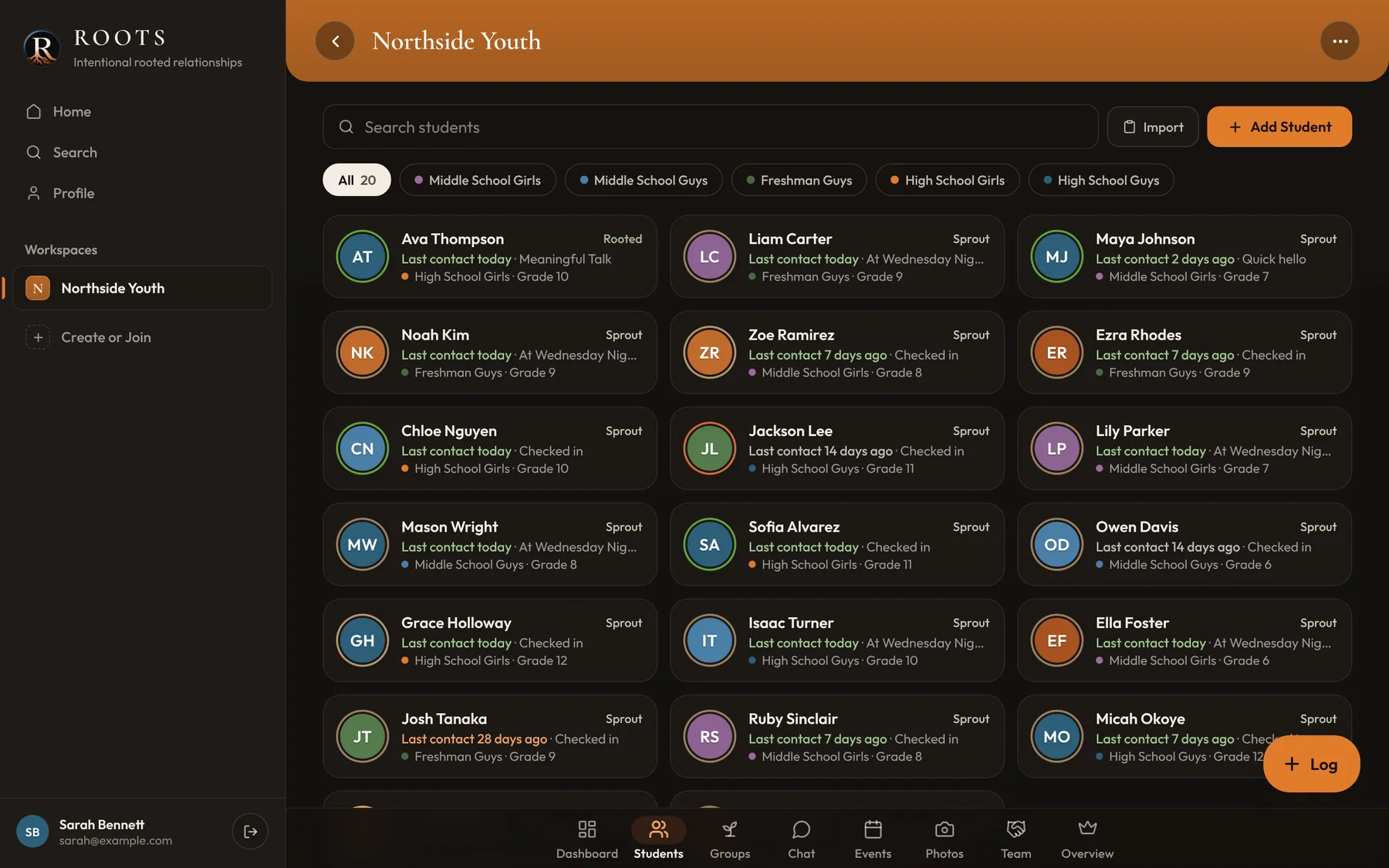
The youth ministry app from Ministry Roots, built on one conviction: every student should feel known. Roots helps your team remember the conversations, notice who's slipping through the cracks, and celebrate the moments that matter.


Free forever on the Seed plan — no credit card required. On a computer? Sign in on the web.
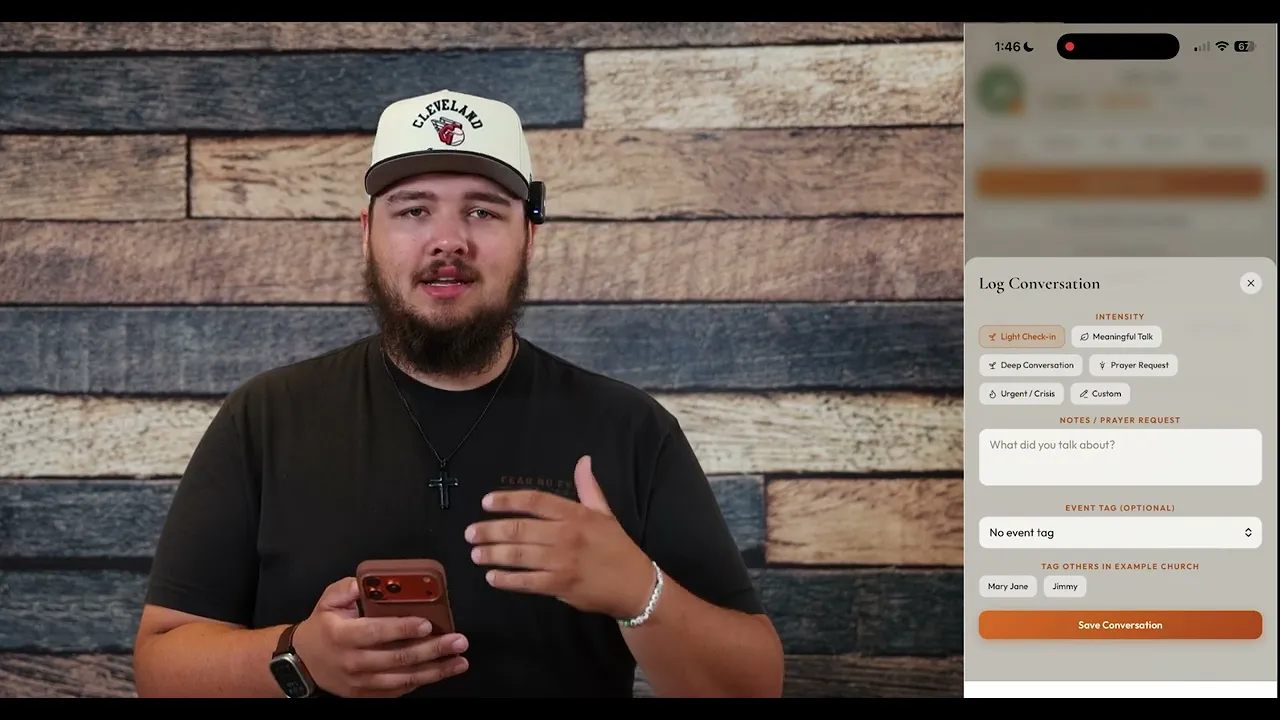
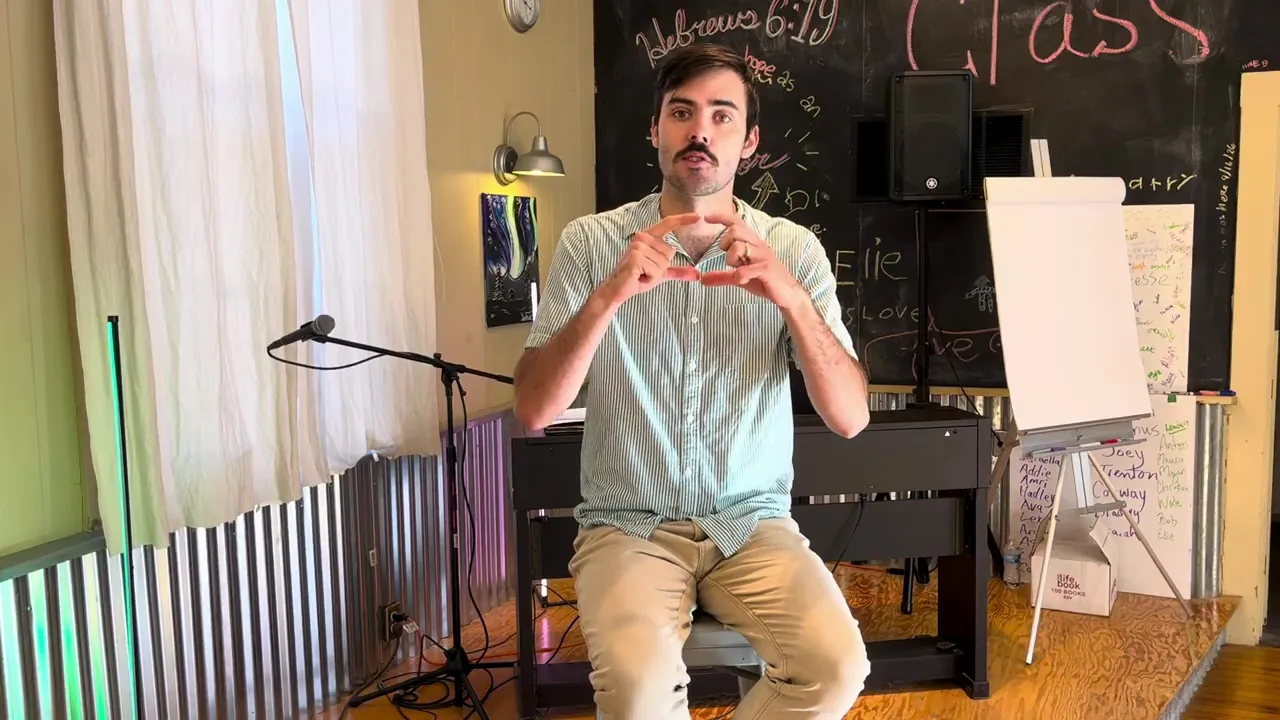
Watch how Roots works
A quick look at the app your team will actually use.
Not a church database.
A relationship tool.
Most ministry software is built for buildings, budgets, and attendance rolls. Roots is built for the part that actually changes lives — the leader who remembers what a student said last week, and follows up. It does three things exceptionally well instead of forty things poorly.
Know every student
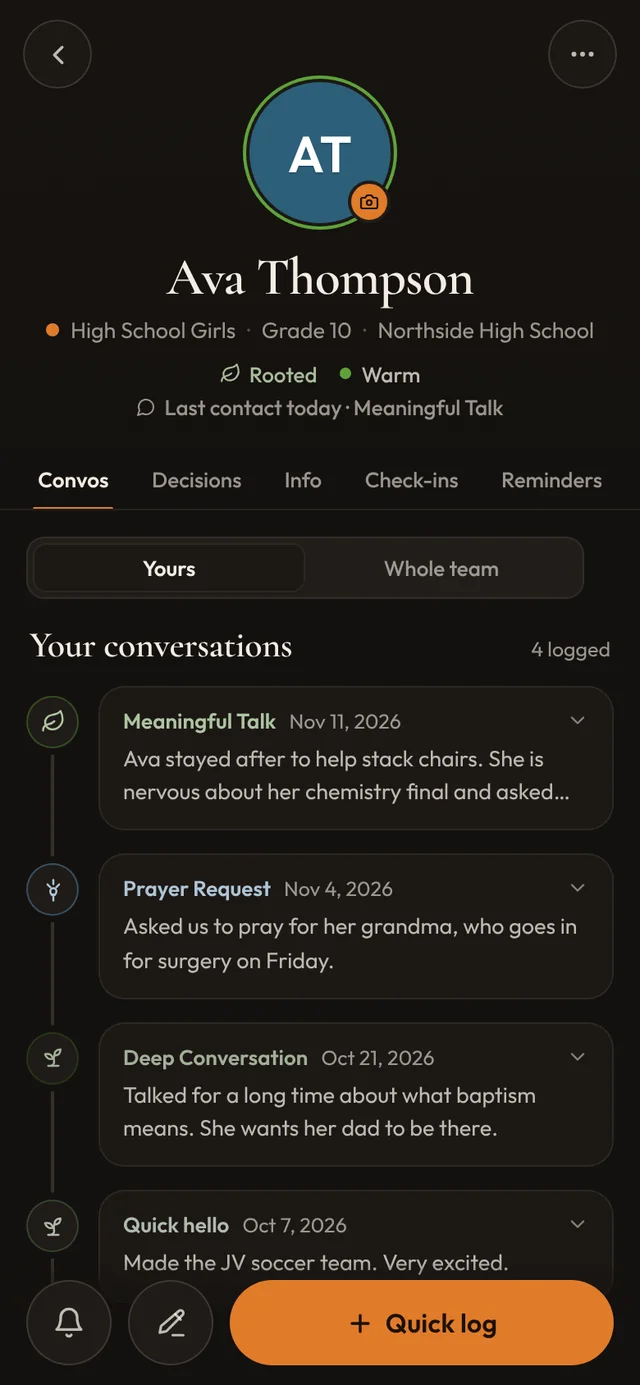
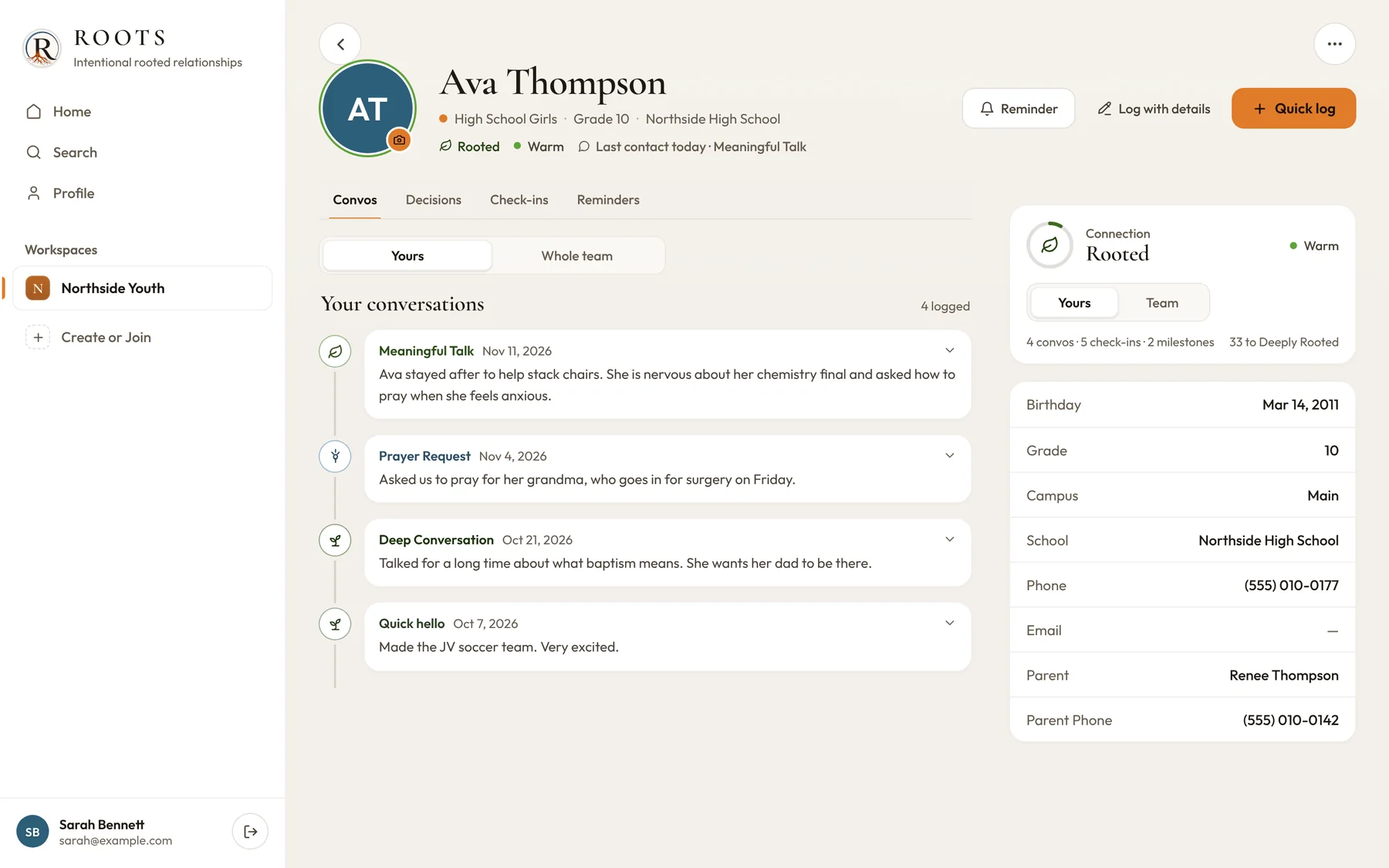
Profiles with the details that matter — grade, school, birthday, family, and the full history of every conversation your team has had.
- Conversation logging with depth levels
- Spiritual decisions & milestones
- Birthdays & personal details
- Private notes, visible only to your team
Never lose track
Roots quietly surfaces the students nobody has talked to in a while, so no one disappears without anyone noticing.
- Check-in & attendance tracking
- "Needs a check-in" alerts
- Reminders that repeat (daily → yearly)
- Push notifications, even when closed
Lead your team
Give volunteers a shared home base — and give yourself a view of how the whole ministry is actually doing.
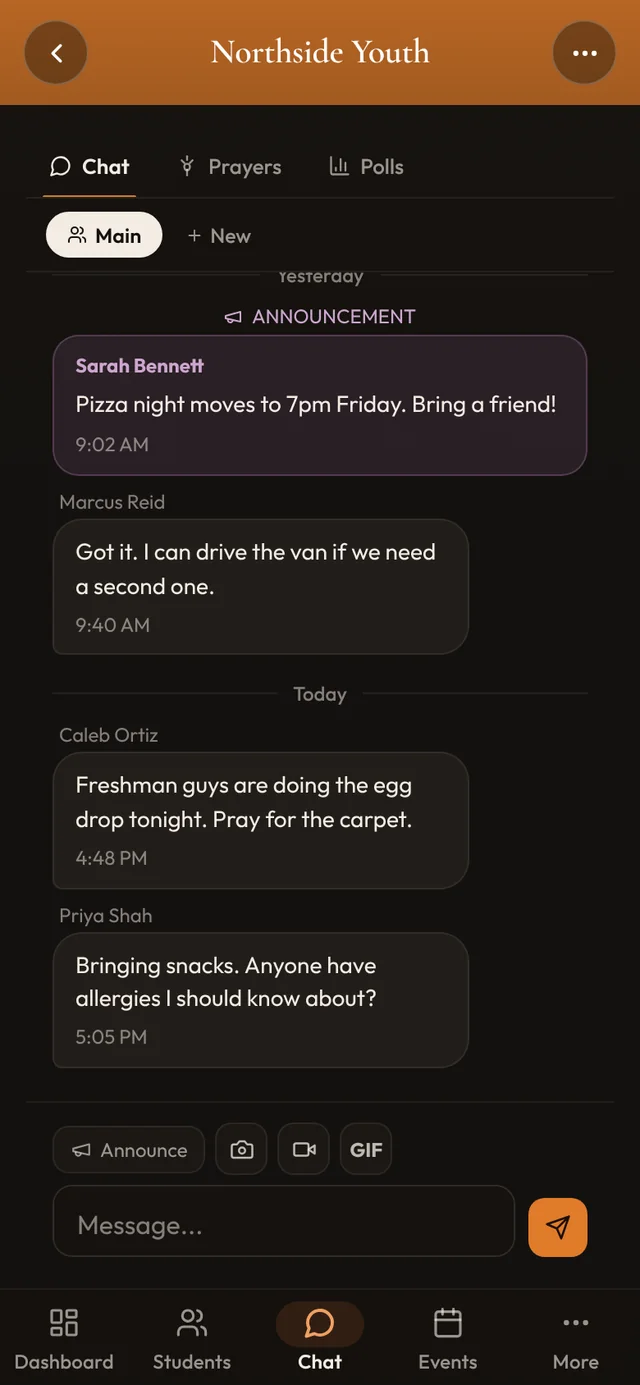
- Team chat & announcements
- Events, itineraries & attendance
- Prayer board, polls & photo albums
- Pastor overview dashboard
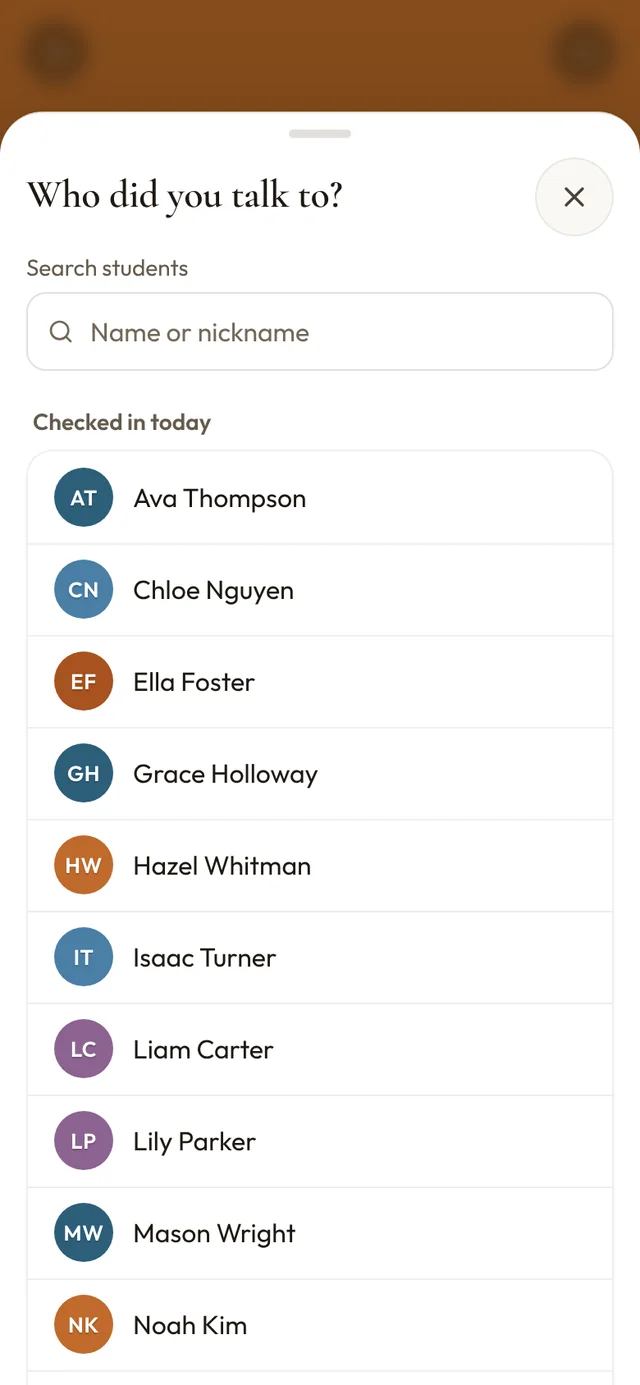
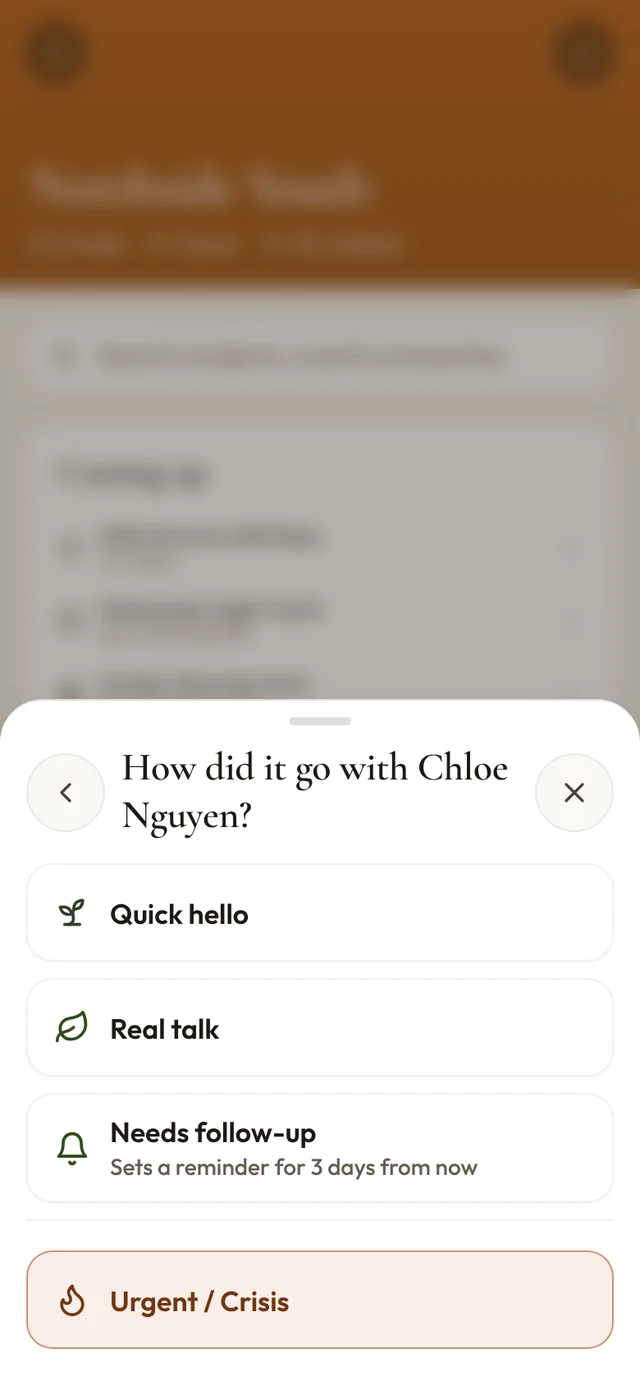
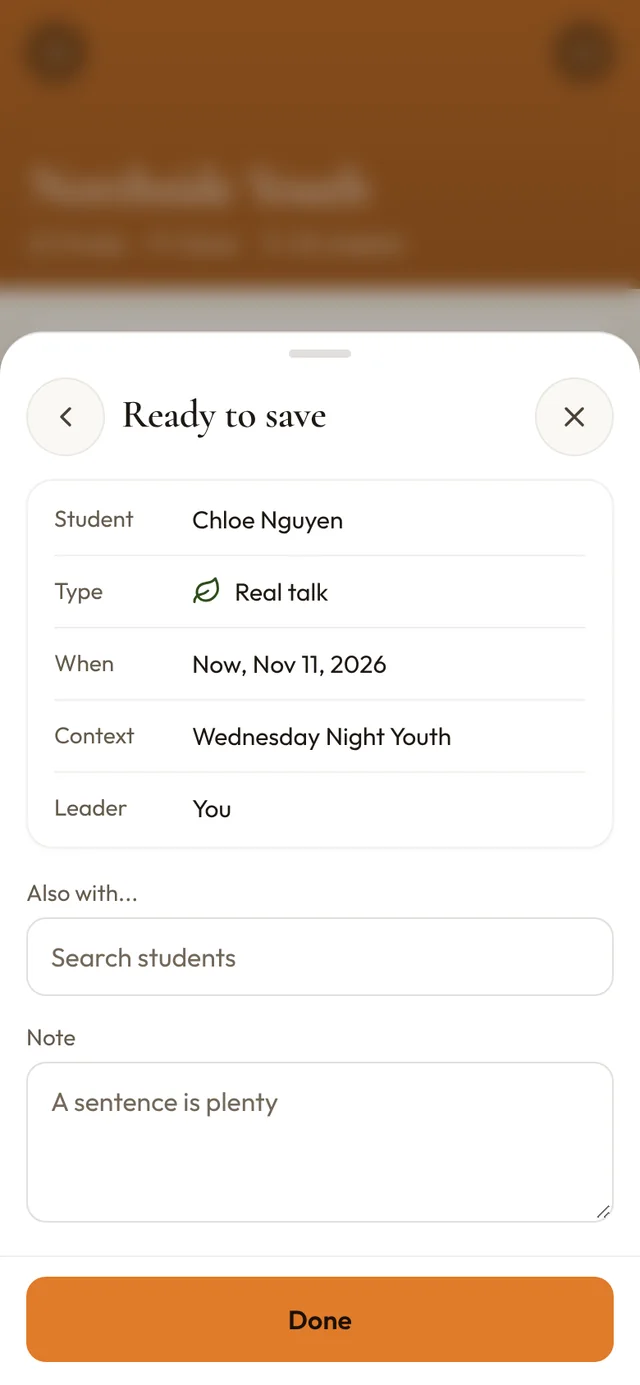
A conversation, logged in three taps.
Who you talked with. How it went. Done. The full form is still there when a conversation deserves more.
Texts and small groups
Announcements can reach your leaders as a text, and every small group gets a space of its own.
- Announcements by text. Leaders who opt in get workspace announcements as a text from the Ministry Roots number. Students are never texted, and anyone can reply STOP.
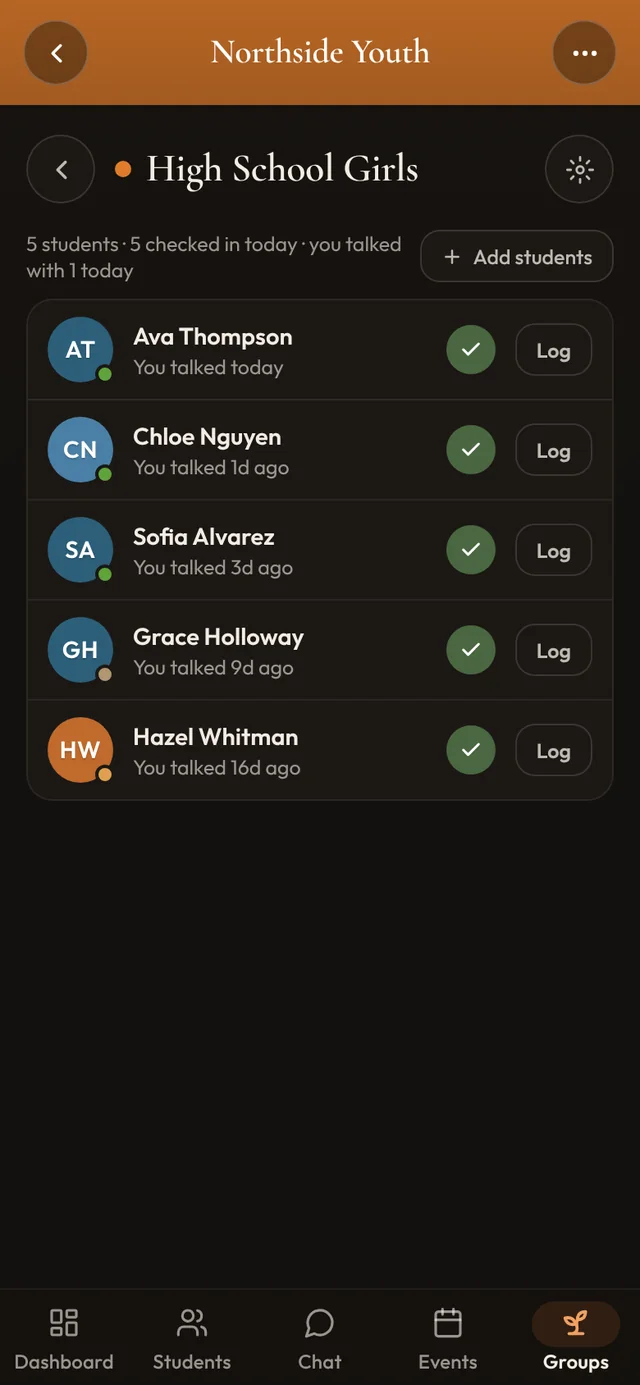
- Small groups with a home. Every small group opens into its own space: the roster, who’s here today, and a conversation logged in two taps.
- Leaders see their groups. Group leaders see the groups they lead, while owners and co-leaders see every group in the workspace.
The full picture
Students
- Unlimited student profiles
- Photos, grade, school & campus
- Parent / guardian contacts
- Small groups & custom tags
- Spreadsheet import
Relationships
- Conversation log with depth levels
- Prayer requests & urgent flags
- Decisions & spiritual milestones
- Personal reminders
Your team
- Shared workspaces
- Community chat & announcements
- Announcements by text
- Events with check-in & itineraries
- Photo albums, polls & prayer board
- Role controls for owners
What leaders are saying
Real words from the people using Roots with their students.
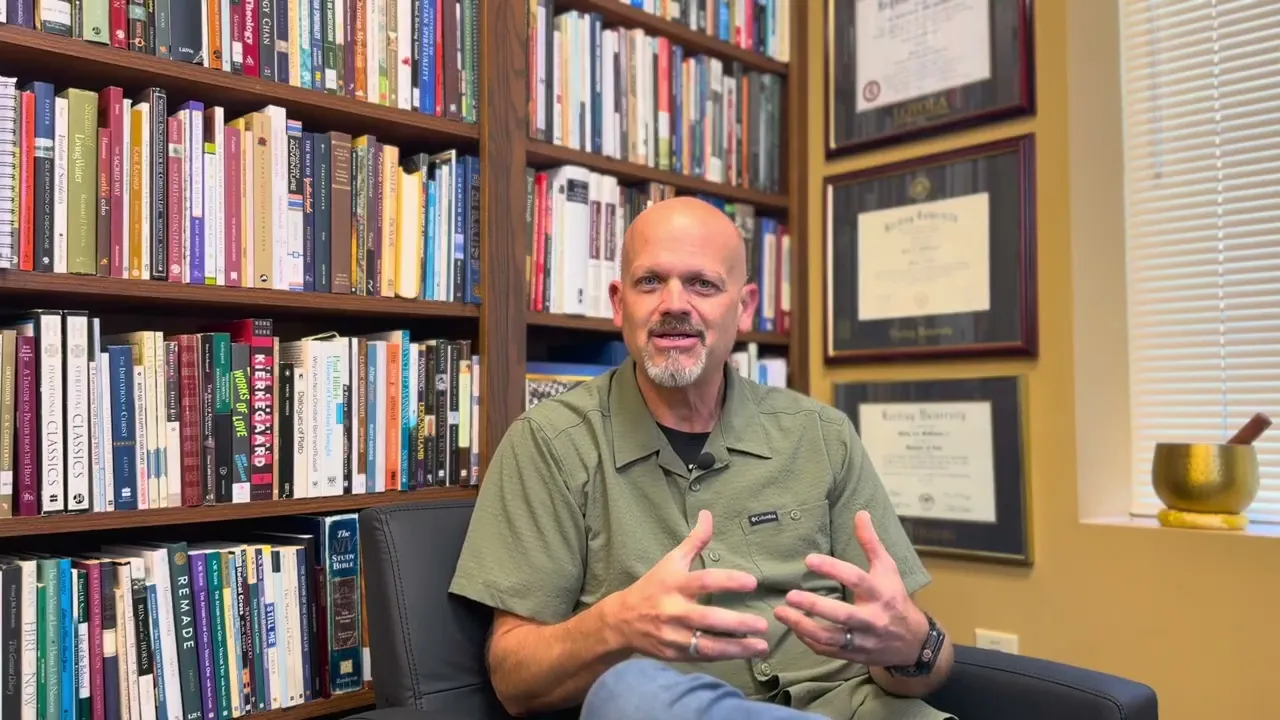
Knowing every name
Dr. Phil McKinney on John 10, where the shepherd calls his own sheep by name, and on the tool he went looking for in his own years of ministry.
Dr. Phil McKinneyProfessor of Ministry Leadership · Johnson University, Knoxville, Tennessee
www.facebook.com/pmckinneyii
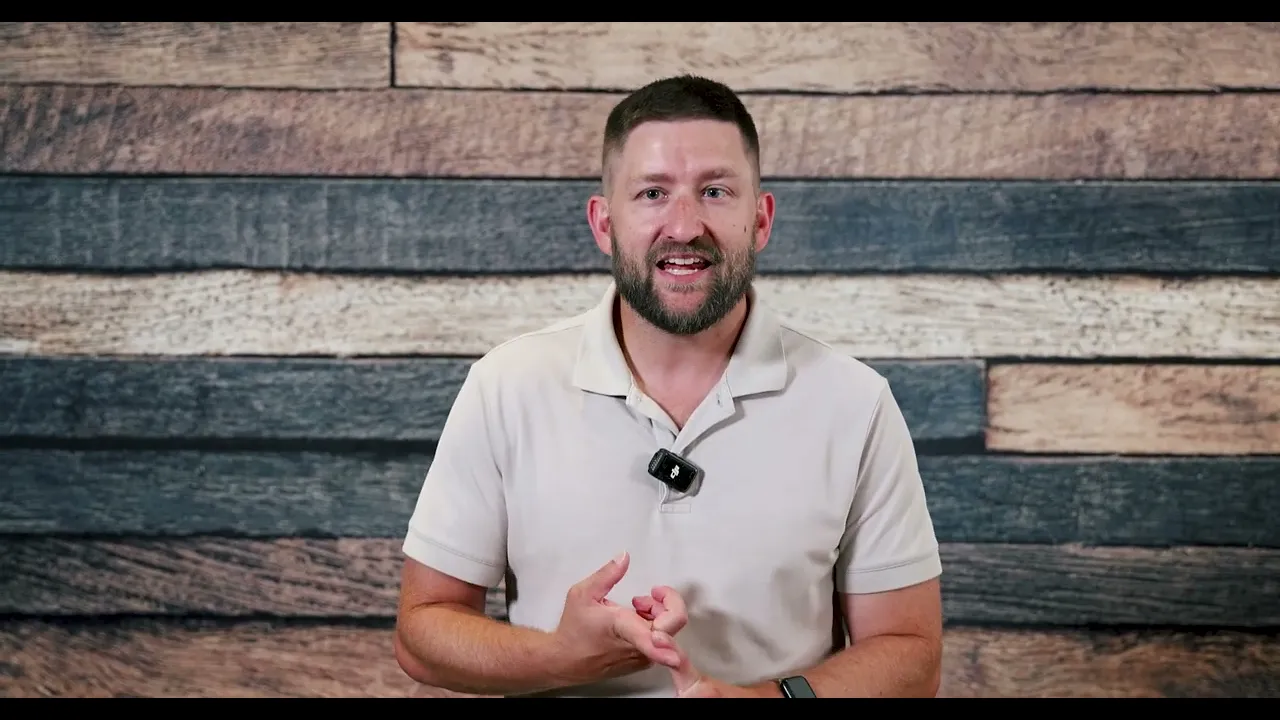
Billy HartwigStudent Ministry Lead · Greenford Christian Church, Northeast Ohio
www.greenfordchristian.org
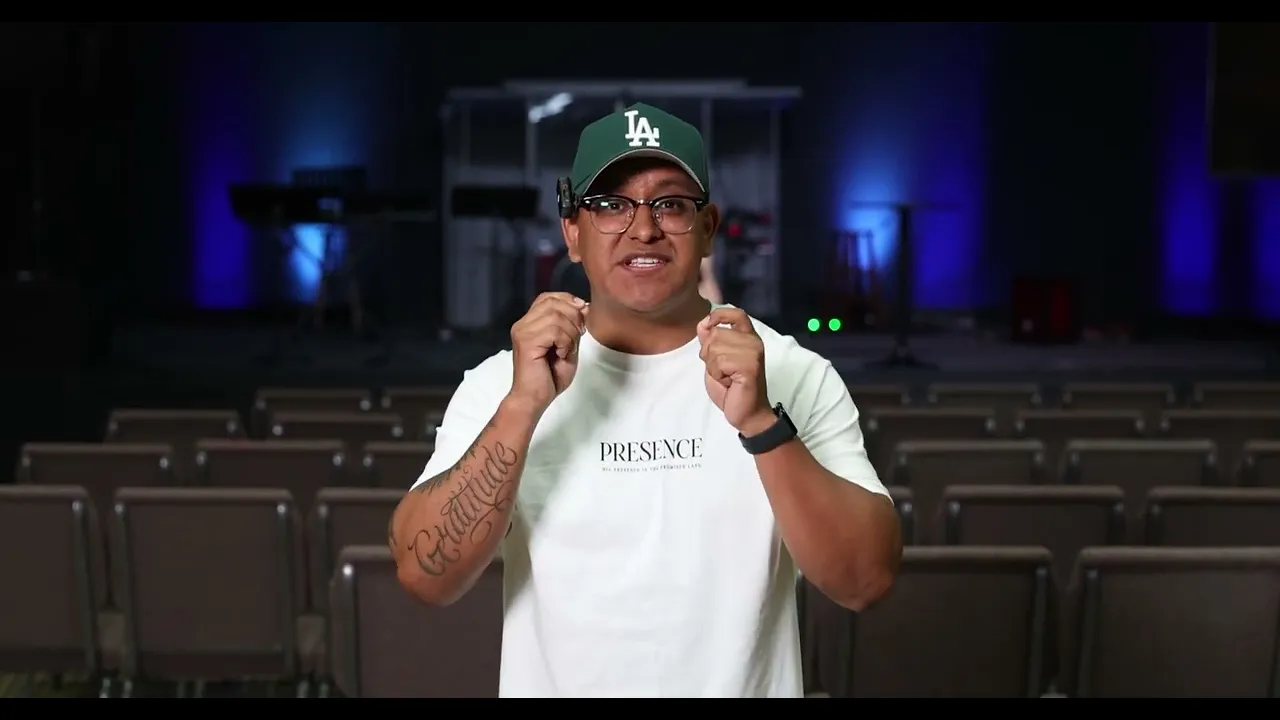
Sam RodriguezYouth Pastor · San Diego, California
www.instagram.com/sam_rod07
Joseph WassonPastor of Next Gen Ministries · First Congregational Church of Ossipee, New Hampshire
www.facebook.com/josephwasson4
Start free. Grow when you're ready.
Every plan includes unlimited conversations and reminders.

- 1 workspace
- Up to 15 students
- Conversations & check-ins
- Reminders & decisions

- Unlimited students
- Up to 20 team members
- Chat, events & announcements
- Photo albums, polls & prayer board

- Everything in Grove
- Multiple workspaces
- Unlimited team members
- For multi-site churches
Good to know
Is student data private?
Yes. Student information is only visible to the leaders in your workspace, and conversation notes belong to the leader who wrote them. See our Privacy Policy.
Do volunteers need their own account?
Yes — each leader signs in individually, so you always know who logged what and can remove access when someone steps away.
What devices does it work on?
iPhone, Android, and any web browser — your team can use whatever they already carry, and everything stays in sync.
We're a small church. Is it affordable?
Start free on Seed for as long as you want. And if budget is the only thing standing in the way, reach out — we'll work something out.
Every student, known by name.
Set up your workspace in a few minutes and invite your team.